Web UI Automation — Frequently Asked Questions
What is Web UI Automation in QAEverest?
Web UI Automation is an AI-assisted feature that helps you create and execute automated browser-based test scripts for web applications. It can identify UI elements, generate locators, and run end-to-end test flows against a live URL — without requiring manual scripting expertise.
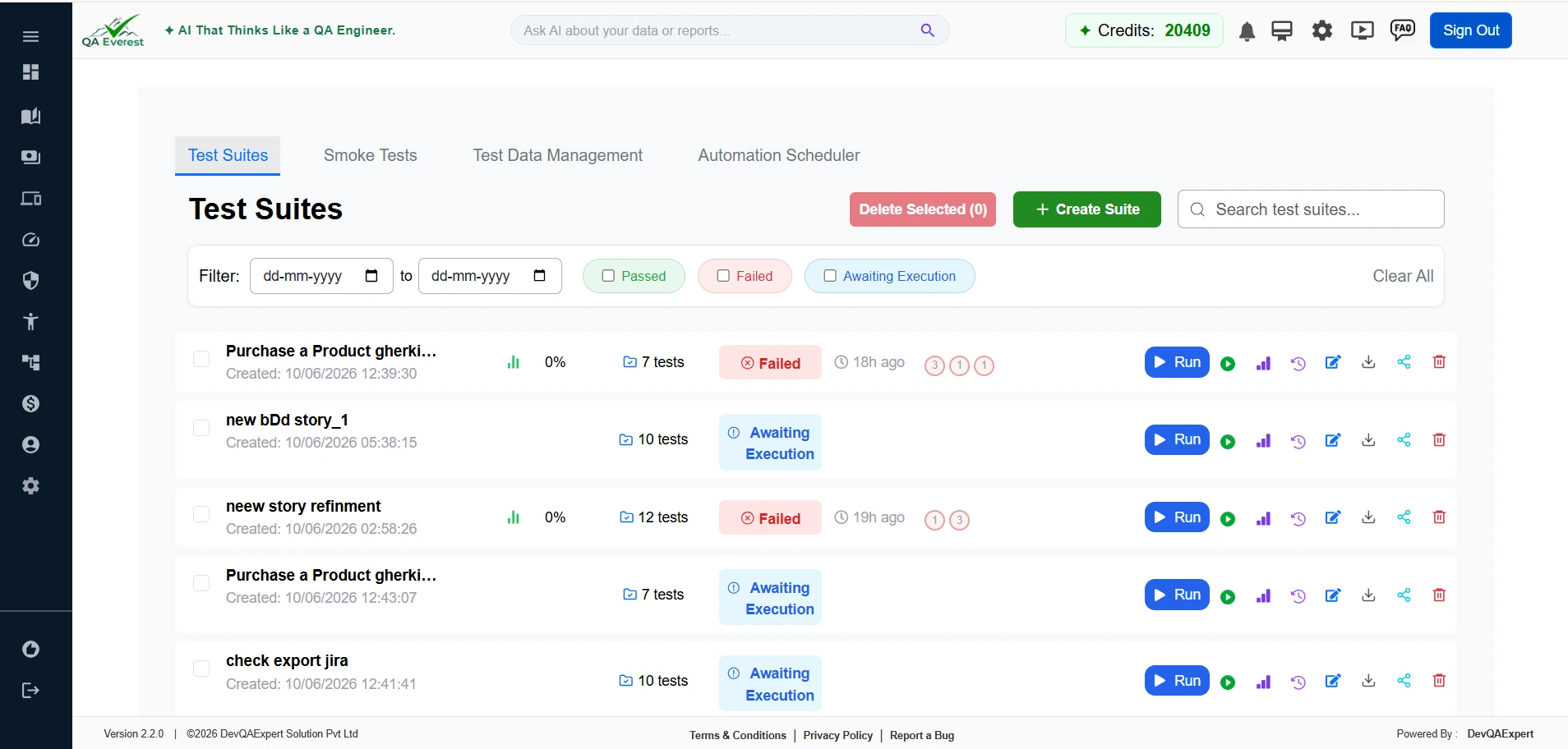
Why is UI Automation marked as Beta?
UI Automation is currently in Beta, meaning the core functionality is available but the feature is still being refined based on user feedback. Some workflows or element types may not yet be fully supported. We recommend using it for evaluation and exploration rather than critical production pipelines at this stage.
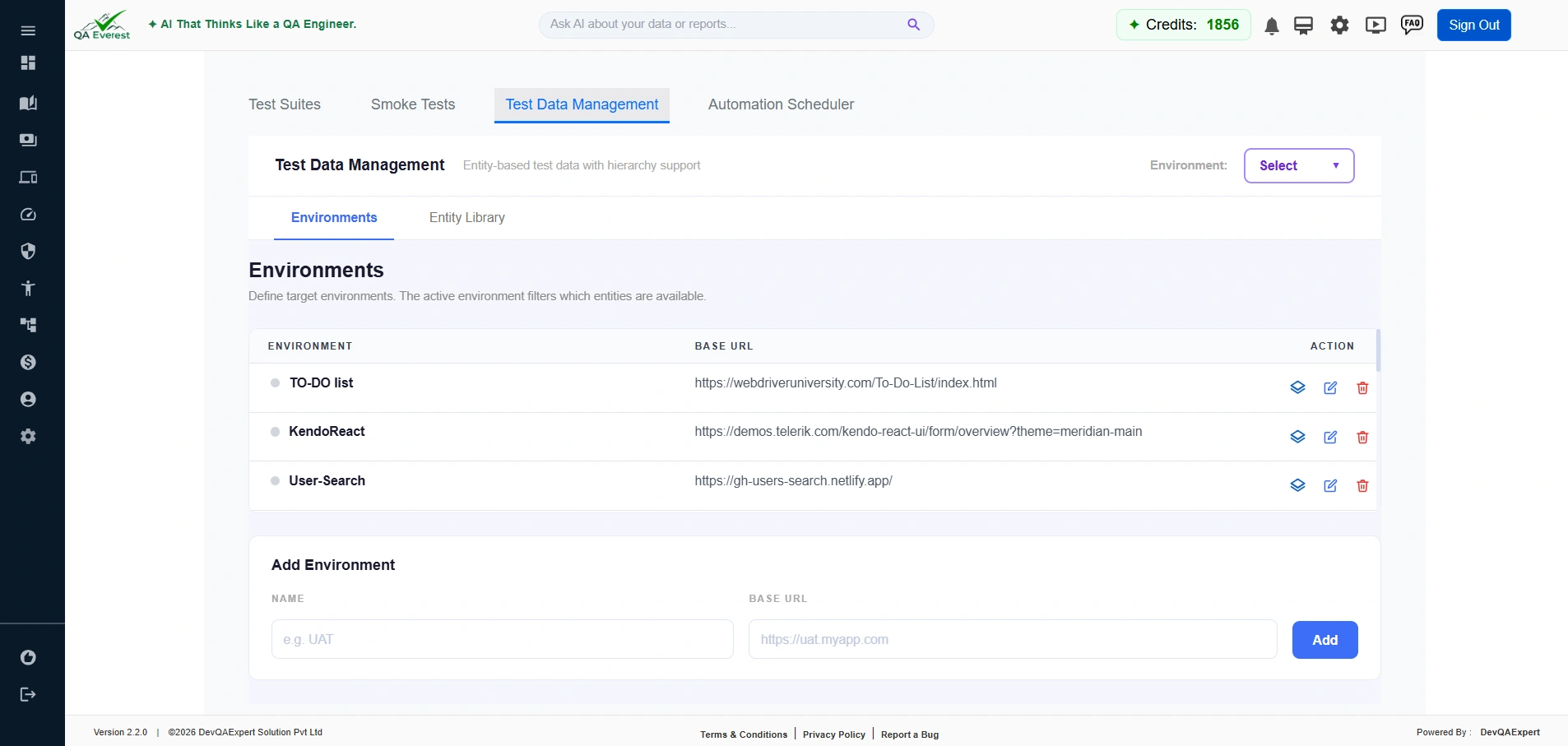
How do I access Web UI Automation?
Navigate to Automation → UI Automation in the sidebar. The Beta badge is shown next to the menu item as a reminder of its current status.
What browsers does UI Automation support?
A UI Automation suite can run on Chrome, Firefox, Edge, Chromium or Safari (WebKit). Pick one with the Browser dropdown on the Edit Suite page, or leave it on Browser: Auto. The choice is saved on the suite and used by manual runs, schedules and CI/CD triggers.
How does element/locator detection work?
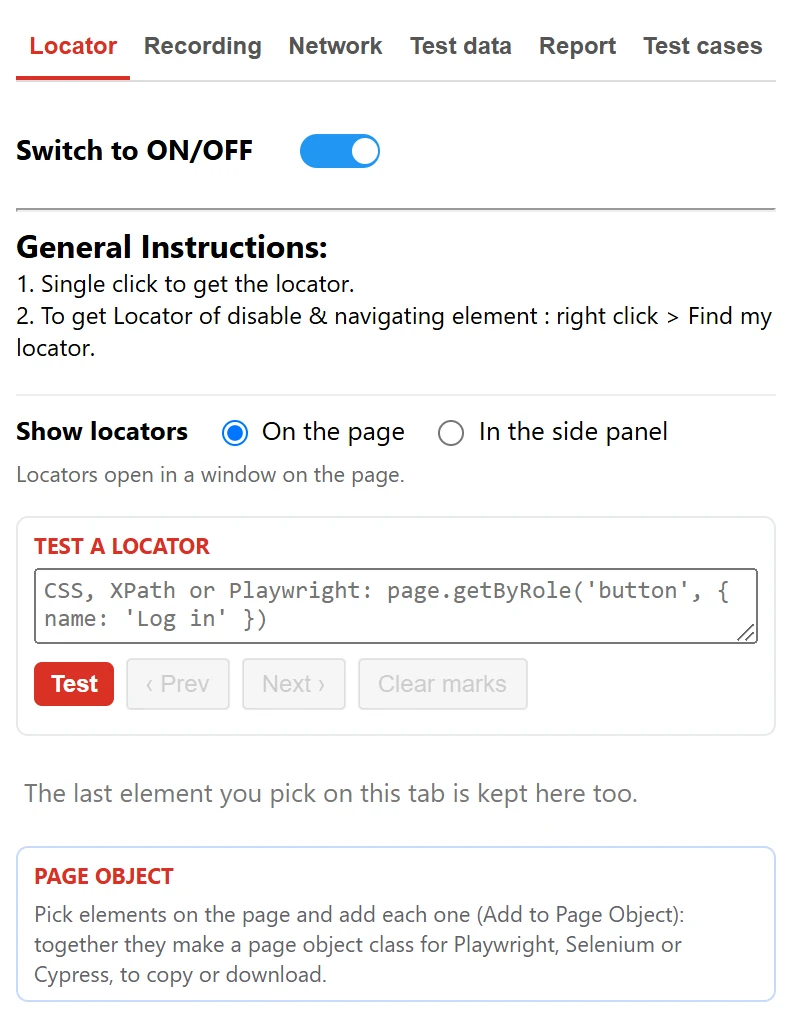
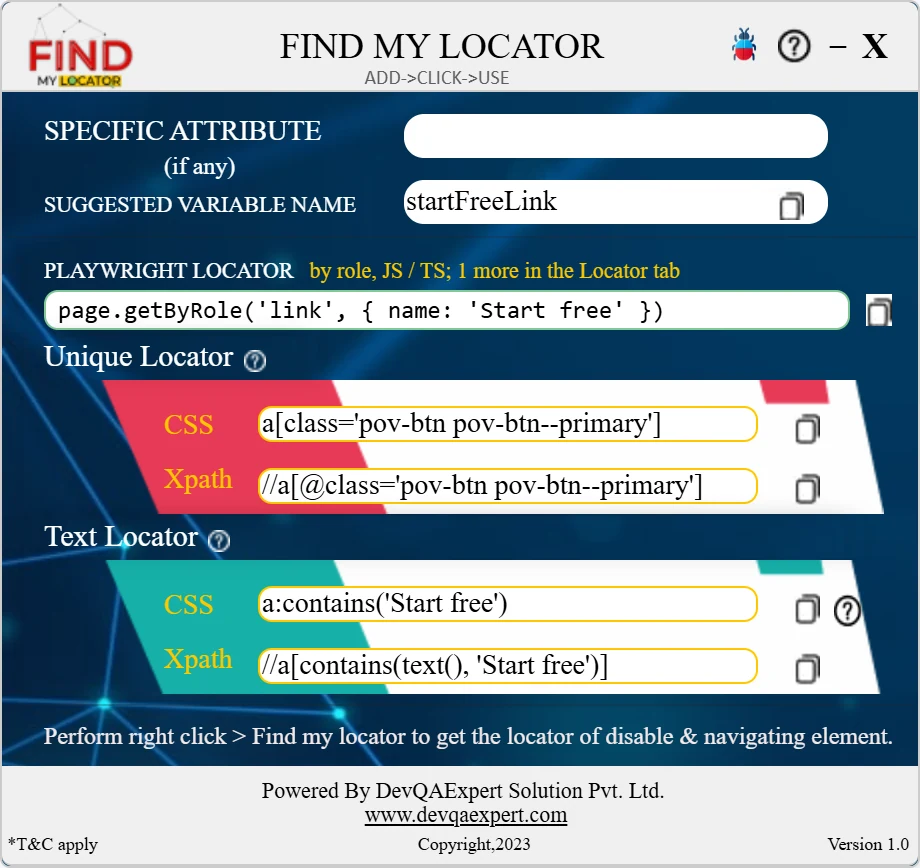
QAEverest's AI analyses the page DOM and visual layout to identify stable locators for UI elements. It prioritises attributes like data-testid, aria-label, and unique IDs, falling back to CSS selectors or XPath when needed. Elements inside open shadow roots get a chained locator, and SVG icons get namespace-safe XPath. You can also use the "Find My Locator" tool to inspect any element manually: one click shows its CSS, XPath and Playwright locator, and its Recording tab feeds Generate Test Cases → By Recording.
Can I run UI test cases in parallel?
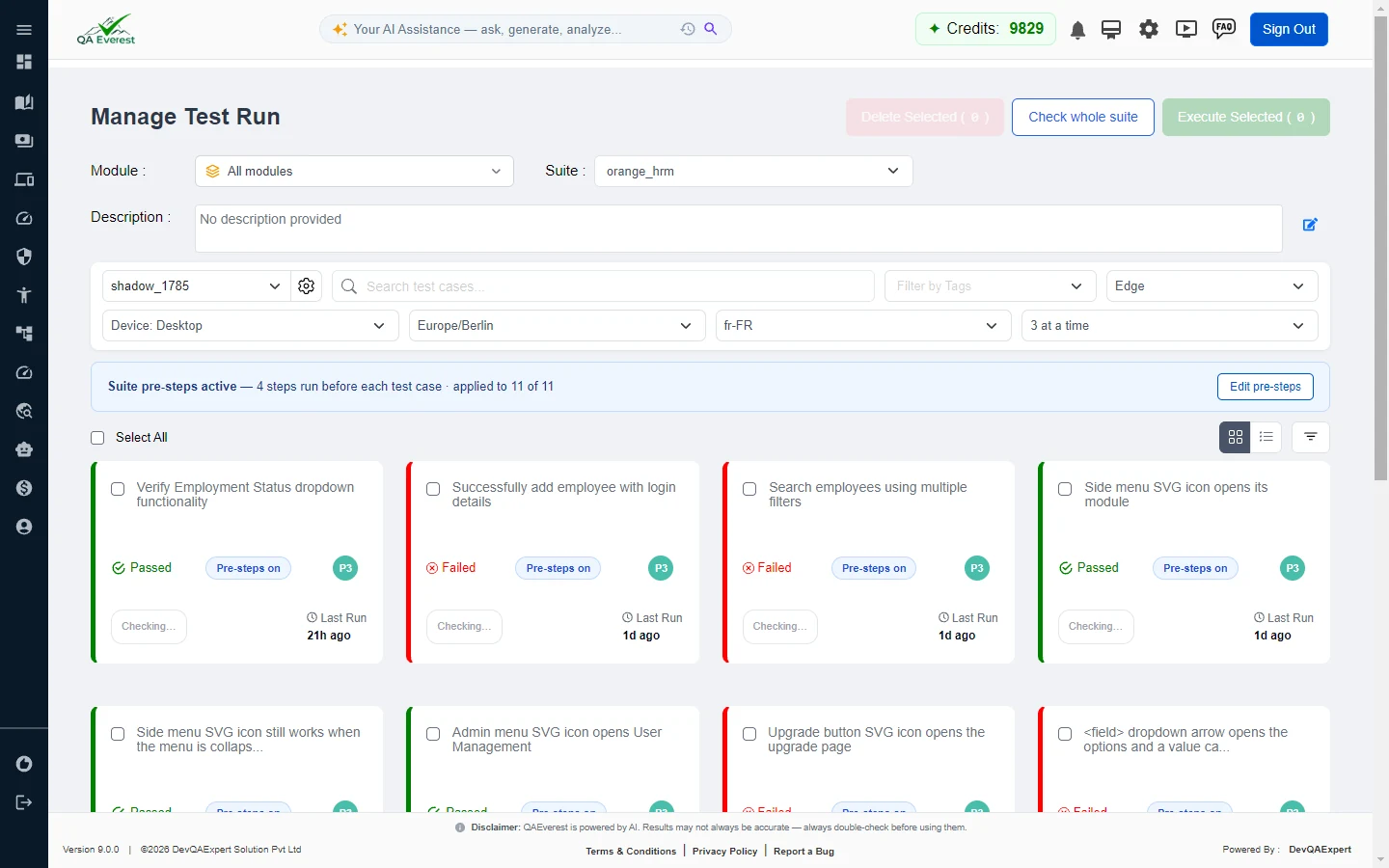
Yes. On the Edit Suite page of a UI Automation suite, the Parallel dropdown sets how many test cases run at once — Parallel: Off, 2 at a time, 3 at a time or 4 at a time. Each lane gets its own browser. Test cases that log in run first, and every other test case starts from the saved session of the login before it. The setting is saved on the suite, so manual runs, schedules and CI/CD triggers all use it. Suite History marks a parallel run with an "N at a time" badge and shows the real elapsed time. Credits are charged per test case executed, so a parallel run costs the same as a sequential one. Parallel runs apply to UI Automation suites; API and Mobile suites run one test case at a time.
How do I do localization testing — different languages, timezones and devices?
Use the Device, Timezone and Locale dropdowns on the Edit Suite page. Locale (en-US, en-GB, fr-FR, de-DE, es-ES, it-IT, pt-BR, hi-IN, ar-SA, ja-JP, zh-CN) sets the browser language your site sees — navigator.language and the Accept-Language header. Timezone (for example Asia/Kolkata, Europe/Berlin or America/New_York) is what the browser reports to the page. Device (iPhone 13, iPhone SE, iPhone 14 Pro Max, Pixel 7, Galaxy S9+, iPad Mini, iPad Pro 11) sets the screen size, user agent and touch support, so you can test your website at phone or tablet size. The settings are saved on the suite and applied when each test case's browser starts, for manual, scheduled and CI/CD runs alike. Then assert the localized text in your steps, for example: Then I should see "Tarifs".

Can a step click a button labelled in Arabic, Hindi, Japanese or Chinese?
Yes. Name the button by its label in any script, quoted exactly as it appears on screen — for example I click the "أضف إلى السلة" button, I click the "कार्ट में जोड़ें" button, I click the "カートに入れる" button or I click the "加入购物车" button. For a label in a non-Latin script every word must match, so a button that shares only some of the words is not picked by its text. Text checks such as Then I should see "تمت الإضافة إلى السلة" work in any script. To practise, open QA Practice Lab on the Practice Page, go to the Localization tab and its Translated Store panel, pick a language in the store's Language dropdown, and click the buttons by their translated labels. The UI Automation Guide tab has the full test case.
Does UI Automation work with Shadow DOM and web components?
Yes, for open shadow roots — including nested web components and slotted text. You write the step with the visible label as usual, and the engine builds a chained locator with one segment per shadow boundary, such as #shell >> #prefs >> input. Text checks read text rendered inside shadow roots, and cookie banners or dialogs rendered inside a shadow root can be dismissed. Exported Selenium and Cypress code translates the chain with getShadowRoot() and .shadow(). Controls inside closed shadow roots cannot be targeted by name: the engine detects the closed root and never clicks a look-alike, but the step fails with a general error that does not mention the closed root. Reach such a control with a coordinate click inside the host element, for example I click at (230, 53) inside the "closedHost" element, or with the keyboard.
Can it find SVG icons and icon-only buttons?
Yes. A click on an icon resolves to the real control behind it — the button or link that hosts the SVG — rather than the path inside the glyph. When the SVG itself is the target, the engine generates namespace-safe XPath such as //*[name()='svg'][@aria-label='Close'], because a plain //svg expression matches nothing, and checks the locator against the page before using it. Visibility checks are SVG-aware, and icon-only controls are named from their aria-label or the SVG's title element.
Where can I practise automating Shadow DOM and SVG elements?
On the QAEverest Practice Page (the ShopVerse demo store, linked as Practice Page in the site menu and footer). Log in with the demo credentials shown on its login screen, open QA Practice Lab, and use the Shadow DOM and SVG Elements tabs. Shadow DOM covers an open shadow root form, a checkbox three shadow roots deep, slotted content, a closed shadow root and an icon toolbar whose SVG sits two shadow roots down. SVG Elements covers icon-only controls named five different ways, a star rating, a clickable bar and donut chart, and a seat map. Every panel writes its result as ordinary page text, so it is easy to assert. Include the login steps in every test case, because the demo login lasts only for the browser tab that signed in.
What can a UI step do besides click and type?
Beyond navigate, click, fill, select, check, hover, drag, upload and assert, steps can set or clear cookies, clear local and session storage, set the geolocation, resize the viewport, press keyboard shortcuts such as Ctrl+A or Ctrl+Shift+S (Ctrl and Cmd both work), press and hold, click at coordinates, zoom, give or remove focus, and wait for a network response. The step-kind toggle in the editor also offers Script steps, which run JavaScript in the page, and Mock steps, which answer network requests with a response you define. The UI Automation Guide tab has copy-ready examples of each.
What are Script and Mock steps?
Two step kinds that sit beside UI and API steps. A Script step runs JavaScript in the page — to read or write local storage, for example — can keep its result for later steps, and can fail the step when it returns false or an empty value. A Mock step answers matching network requests with a response you define (status, content type, delay and body) or with a network error, so you can test error states without breaking the real backend.
Where do I keep the files my upload tests need?
On a Test Data Management record. In UI Automation → Test Data Management, mark a field as a 📎 File field and upload the file when you add the record. A step then names the record instead of a path on someone's laptop — for example: When the user uploads the file "{$Documents.invoice}". Documents, spreadsheets, images, CSV or JSON data, archives and media up to 50 MB are accepted. Executables and scripts (.exe, .dll, .bat, .cmd, .msi, .ps1, .sh, .jar and similar) are refused.
Can I check a suite for missing information before I run it?
Yes. On the Manage Test Run screen of a UI Automation suite, each test case carries a badge — Specified, or the number of steps that still need an answer — and Check whole suite checks every test case without starting a run. It flags steps that would run without testing what they mean to: a field to fill with no value, a check with no expected result, a dropdown step that never names the option. You can type the answers on the spot and choose Save answers or Answer & run. The check is free, and it only advises: Run anyway is always available.
Can I see how the engine chose the element for a step?
Yes. In the run result, a How this element was chosen panel shows how the element was found — by matching the page's own text and labels, by reading the screenshot, from a selector remembered from an earlier run, through self-healing, or from an element you pinned — along with the confidence, whether it sat inside a frame, the selector used, any close runners-up, what changed since the last run, and what the AI understood the step to mean. It appears on failed steps, and on passing steps where the choice was uncertain: several matches, low confidence or a close runner-up.
How do I fix a failed step?
A failed step has one 🔧 Step Repair button with four remedies. Edit step rewords it. Point to Element lets you click the right element on the failure screenshot and pin its selector — or rule a wrong one out — so the next run resolves it directly. Wait before holds a web step until given text appears (or disappears) on the page, for up to 120 seconds. Accept failure marks it accepted with an internal note. Repairs are saved for the next run, a step that passed can be reworded the same way, and Point to Element works on mobile results too.
How can I report issues or provide feedback for UI Automation?
Use the bug report form at https://qaeverest.ai/HomeReportABug or email support@qaeverest.com. Please include the URL being tested and a description of the issue.